Pair the waiting room screen
Open quizatv.com/tv on the waiting room TV and link it to your dashboard.
Quizá shows general knowledge questions on your waiting room screen, with no sound and no sensitive topics. Patients play from their phones or simply watch; children have a theme of their own.
In a dental, physiotherapy or vet clinic, plenty of people arrive nervous or in a hurry. A TV with the news or a channel in the background doesn’t help, and magazines distract nobody.
A quiz gives people something to think about. It asks nothing about personal health or treatments: it is general knowledge, designed to make the time pass.
Open quizatv.com/tv on the waiting room TV and link it to your dashboard.
Choose “Healthcare waiting room” when you create the venue. Only questions suitable for this setting will come up.
They scan the QR code, pick a nickname and answer. Nothing to download and no personal details given.
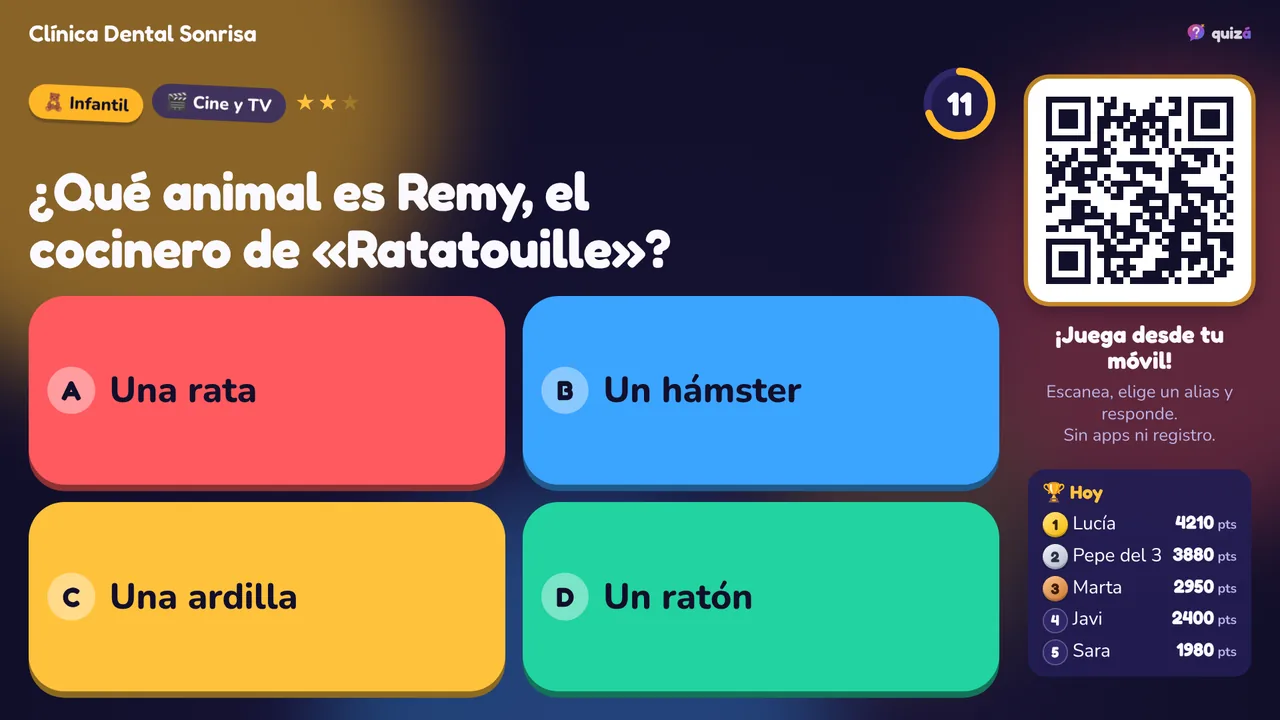
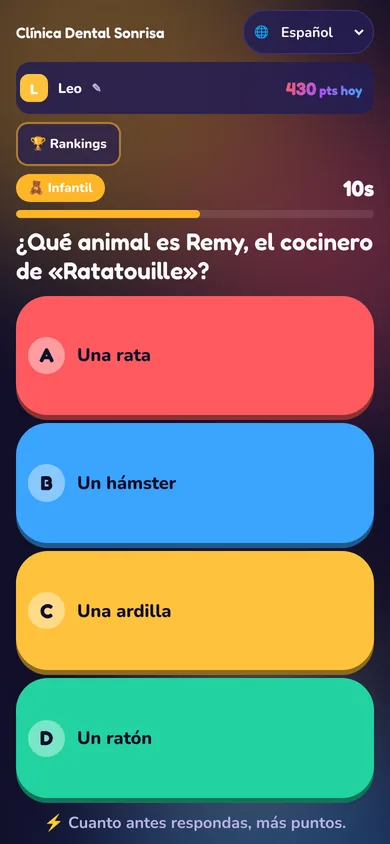
When you mark the venue as a healthcare waiting room, its list is always in healthcare mode. There is nothing to remember to switch on.
It does not disturb those waiting or the staff seeing patients.
For the little ones’ wait: animals, colours, stories and cartoons, with easy questions and bright colours.
With the Pro plan, your logo and colours on the waiting room screen.
Your own ads between questions: opening hours, vaccinations, campaigns or new services.
A lighter moment before sitting in the chair.
For sessions with a waiting list between patients.
For owners waiting with their pet, with a kids theme for the children who come along.
What animal is Remy, the chef in “Ratatouille”?
💡 Remy dreams of being a chef in a Paris restaurant.
The free plan includes 1 screen and all the themes in the question bank. The Pro plan (€19 per screen per month) adds several screens, your own questions and ads.
Quizá is entertainment: it is not a healthcare service and does not replace the information your clinic gives its patients.
In healthcare mode, only questions marked as suitable for a waiting room come up. They are general knowledge: geography, film, music, science, sport…
Yes. There is a kids theme with easy questions. You can turn it on in the list of whichever screen suits you best.
No name, email or phone number is asked for. Whoever plays picks a nickname, and a random identifier is stored on their phone to count the points.
No. The questions follow one another by themselves.
You can use a Fire TV Stick, a Chromecast or a mini PC connected to the TV.