Choose “Public administration” as the venue type
That sets the venue up as a public service office.
Quizá shows general knowledge questions on the waiting screen of your town hall, office or library, mixed with service notices. Residents play from their phones or simply watch.
Public service offices have waits that cannot be avoided. A screen with a background channel makes no use of the time, and a static poster is read by nobody.
With Quizá the screen holds people’s attention with questions and leaves room for what matters: notices, opening hours and service news, slotted in between rounds.
That sets the venue up as a public service office.
Open quizatv.com/tv on the screen and link it to your dashboard.
The questions follow one another by themselves, and service notices appear every few rounds.
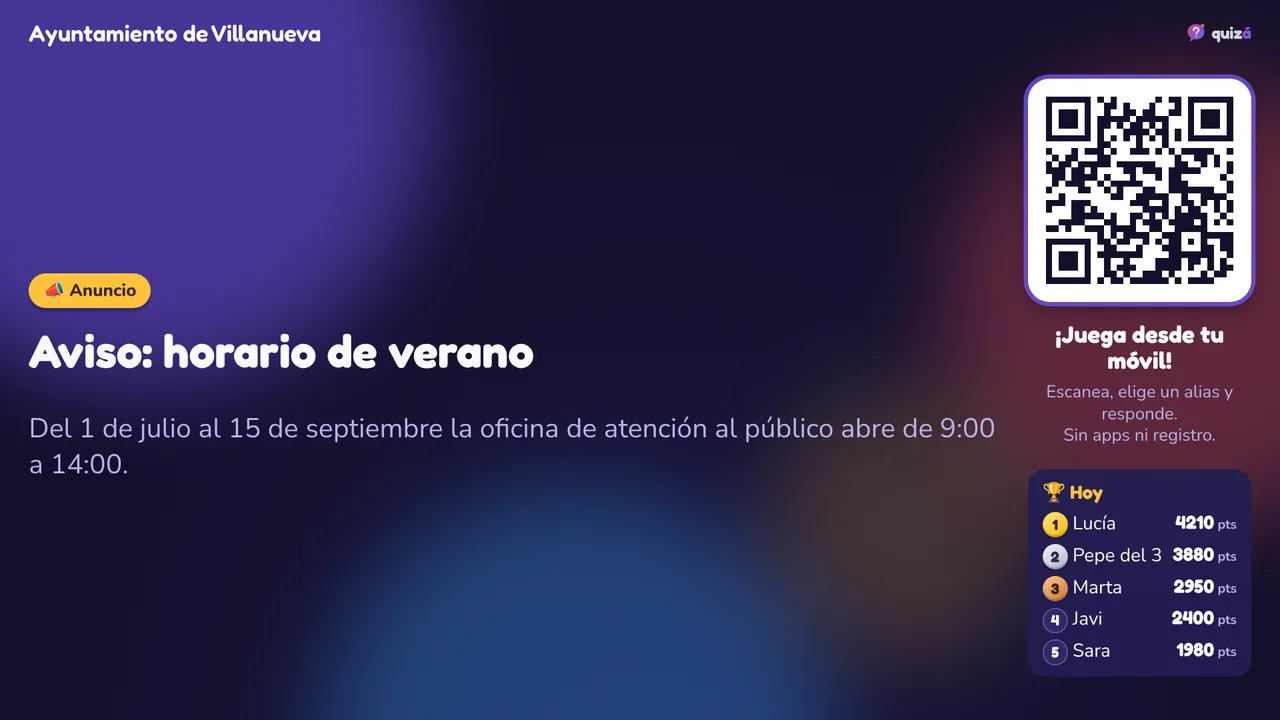
Your own ads (with the Pro plan): opening hours, appointments, deadlines, council events or campaigns.
The screen plays in the language of its list, and each player can set their phone to another: Spanish, English, Catalan, Basque, Galician, French and Portuguese.
You can add your own questions about the town, its history, its festivals or its surroundings.
Whoever plays picks a nickname. No name, email or phone number is asked for.
The screen plays no audio, which suits a public waiting room.
For the wait until your turn comes.
A light activity in the common area.
Questions by age group and information notices.
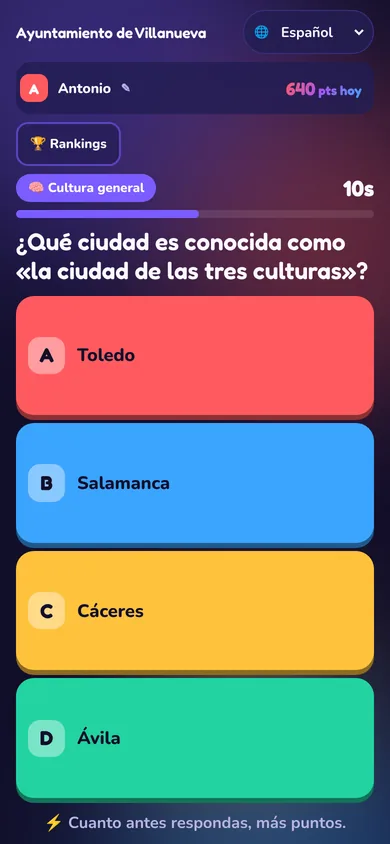
Which city is known as “the city of three cultures”?
💡 Christians, Jews and Muslims lived side by side there for centuries.
The free plan includes 1 screen. The tailor-made Institutional plan includes many screens and sites, local content, service notices, invoicing and priority support.
Quizá does not manage queues or appointments: it is an entertainment and notice screen for the waiting room.
Yes. With your own ads, which appear between questions every few rounds. You can switch them on and off from the dashboard.
The screen plays in the language of its list, and each player can set their phone to another: Spanish, English, Catalan, Basque, Galician, French and Portuguese.
Yes, with the Pro plan: one by one or imported from a spreadsheet.
No name, email or phone number is asked for. Whoever plays picks a nickname, and a random identifier is stored on their phone to count the points.
You can start for free with one screen. For several sites or invoicing, the Institutional plan is tailor-made.